Import History
Overview
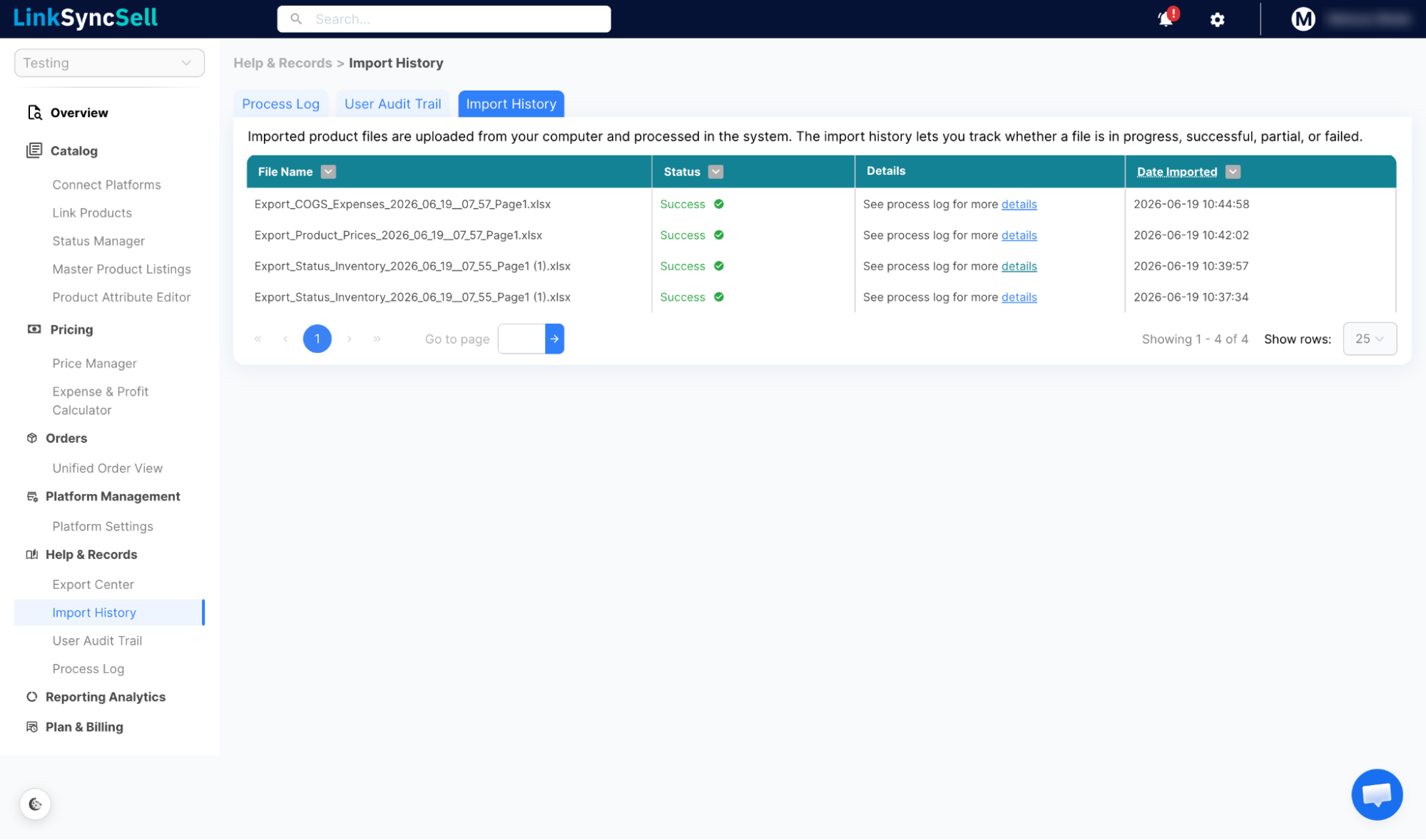
Any time you upload a file to bulk-update prices, inventory, or expenses, that import is logged here. Import History gives you a record of every file you've brought into the system and whether it succeeded.
How to Access
Navigate to Help & Records → Import History in the left sidebar.
What You'll See
- Import Type - what was imported (Status/Inventory, Price, COGS & Expenses)
- Status - Processing, Successful, or Failed
- Details - summary of what was imported, with a link to the related Process Log entry
- Date Imported - when the file was uploaded
How to Use It
If an import fails or partially completes, click the Details link to see the full Process Log entry. The log will tell you exactly which rows succeeded, which failed, and why.
💡
Before running a large import, do a small test batch first (10–20 rows) to confirm your file format is correct.
