Supported Platforms Overview
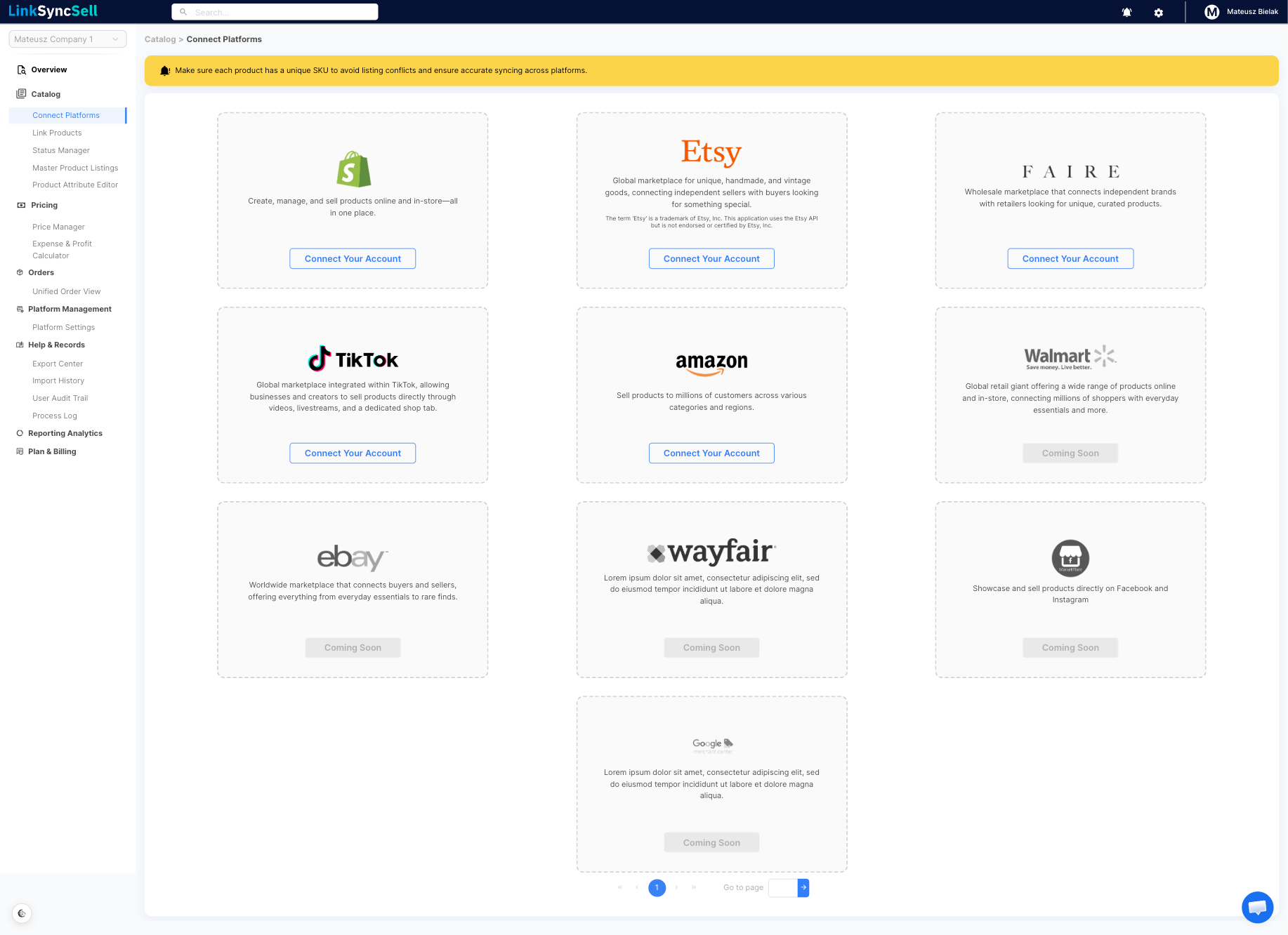
Overview
LinkSyncSell connects four of the most popular selling platforms under one roof: Shopify, Faire, Amazon, and TikTok Shop. Once connected, you can manage listings, inventory, pricing, and status across all of them without switching between tabs or logging into each marketplace separately.
This article explains what each integration supports so you know what to expect before you connect.
Shopify
The Shopify integration offers the most complete feature set in LinkSyncSell. It supports:
- Product catalog - import existing products from Shopify and sync new or updated listings back to Shopify
- Inventory sync - keep stock counts aligned between Shopify and your other platforms
- Status management - activate, deactivate, archive, or set listings to Draft directly from LinkSyncSell
- Product attribute editing - update titles, descriptions, images, tags, and more
- Pricing - manage and sync prices across variants
- Orders - view and manage orders placed on Shopify
Faire
The Faire integration supports:
- Product catalog - import your Faire wholesale catalog and push updates
- Inventory sync - keep stock levels current
- Status management - publish or unpublish listings from LinkSyncSell
- Wholesale and retail pricing - Faire uses both a wholesale price (what retailers pay) and a retail/suggested retail price. LinkSyncSell supports both price fields
- Orders - view and manage wholesale orders placed through Faire
- Shipping - shipping details for Faire orders are included
Variant-level status: Faire lets you hide individual variants without affecting the rest of the listing. The Variant Status column (Visible or Hidden) appears in the Status Manager for Faire listings.
Amazon
The Amazon integration supports:
- Product catalog - import your existing Amazon listings and view them in LinkSyncSell
- Inventory sync - view and update inventory counts
- Pricing - manage and sync prices per variant
- Orders - view and manage Amazon orders
TikTok Shop
The TikTok Shop integration supports:
- Product catalog - import your TikTok Shop products and push updates
- Inventory sync - keep stock counts current
- Status management - manage listing status for TikTok Shop
- Pricing - manage and sync prices per variant
- Orders - view and manage TikTok Shop orders
Troubleshooting
A platform I use isn't listed.
LinkSyncSell currently supports Shopify, Faire, Amazon, and TikTok Shop. If you need support for a different platform, reach out to the LinkSyncSell support team - additional integrations may be on the roadmap.
My connection attempt failed.
Try these steps:
- Make sure you have Owner or Admin permissions on the platform account you're trying to connect.
- Try the connection again from a fresh browser tab.
- Check that your platform account is in good standing (no suspensions or billing issues).
- If the problem continues, check the Process Log for error details and contact support if needed.
